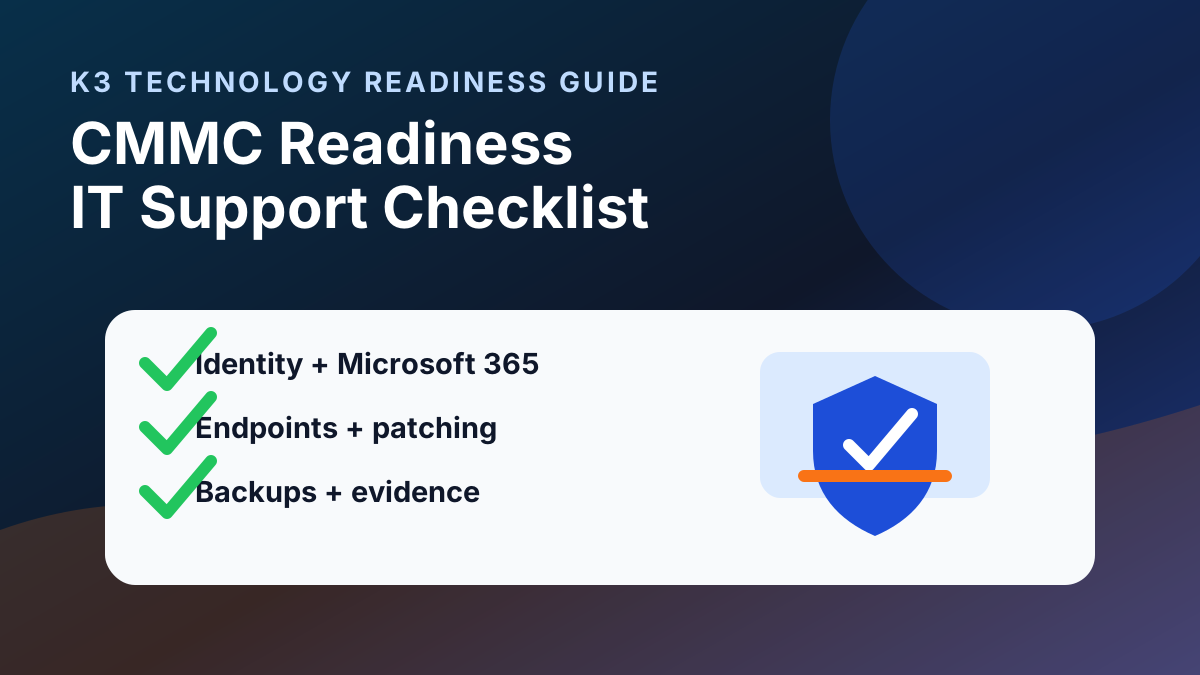
Short answer: CMMC readiness starts with practical IT ownership: confirm Microsoft 365 and identity controls, endpoint management, backup and recovery evidence, logging, vendor access, documentation, and who coordinates SSP/POA&M support with your compliance advisor or assessor.
This checklist is for small and midsize businesses that support defense, aerospace, manufacturing, engineering, or other contract-driven work and need their IT environment organized before a formal CMMC review. It is not a certification promise or legal opinion. Use it to find IT-support gaps, collect evidence, and decide what needs an internal owner, an IT provider, and a compliance specialist.
1. Define CMMC scope before changing tools
Before buying software or rewriting policies, identify the systems, users, data, vendors, and locations that may handle Federal Contract Information (FCI) or Controlled Unclassified Information (CUI). Scope decisions should be made with qualified compliance, legal, or assessor guidance. IT support can help document the environment and reduce avoidable confusion.
- List contracts, customer requirements, and data types that drive the CMMC conversation.
- Map where FCI or CUI is stored, processed, transmitted, or discussed.
- Identify Microsoft 365 tenants, SharePoint sites, Teams, file shares, endpoints, cloud systems, and line-of-business applications in scope.
- Document vendors, subcontractors, and remote-access paths that may touch sensitive work.
- Separate assumptions from verified evidence so the review does not start from memory.
2. Microsoft 365 and identity readiness
For many SMBs, Microsoft 365 is the center of identity, email, Teams, SharePoint, OneDrive, and audit evidence. A CMMC readiness review should confirm who owns the tenant and whether access controls are documented and supportable.
| Area | Readiness question |
|---|---|
| Admin roles | Who owns global admin, security admin, billing admin, and break-glass account procedures? |
| MFA and conditional access | Are privileged and user sign-ins protected, documented, and reviewed before broad enforcement changes? |
| SharePoint and Teams | Are owners, external sharing, guest access, and sensitive libraries reviewed? |
| OneDrive | Are business-critical files stored in governed locations instead of personal folders? |
| Audit logs | Is logging available, retained, and owned by someone who can respond to questions? |
3. Endpoint, patching, and security tool ownership
CMMC readiness depends on more than a policy binder. Devices, users, alerts, vulnerabilities, and remediation tasks need owners.
- Inventory laptops, desktops, servers, mobile devices, and cloud workloads that may be in scope.
- Confirm endpoint protection, device management, disk encryption, local admin controls, and patch ownership.
- Review vulnerability scanning responsibilities and how remediation is prioritized.
- Document how new devices are onboarded and how lost, stale, or retired devices are removed.
- Clarify who reviews security alerts and who escalates incidents to leadership, insurance, legal, or outside specialists.
4. Backup, recovery, and evidence checks
Backup readiness is often where technical reality and compliance documentation meet. The business should know what is protected, how restores are tested, and who owns remediation when gaps appear.
- List protected systems, Microsoft 365 data, file shares, cloud workloads, databases, and critical endpoints where applicable.
- Review backup job status, retention settings, administrative access, and alert routing.
- Confirm whether restore tests are documented and whether recovery expectations are realistic.
- Check whether backups are separated from the systems they protect and whether access is limited.
- Keep evidence organized so backup questions do not rely on screenshots scattered across email.
5. Documentation packet to prepare
A useful readiness packet gives leadership, IT, and compliance advisors the same starting point.
- System inventory with owners and data sensitivity notes.
- Microsoft 365 tenant, identity, MFA, and admin-role summary.
- Endpoint/security/backup tool list with responsible owners.
- Network, remote access, vendor access, and cloud-system diagrams or notes.
- Current policies, incident-response contacts, security training records, and evidence locations.
- Open gaps, remediation priorities, and decisions that require compliance or legal guidance.
6. Questions to ask your IT provider
- Can you help document the systems and accounts that may be in CMMC scope?
- Who owns Microsoft 365 security settings, admin roles, logging, and evidence collection?
- How are endpoint alerts, patching, vulnerability findings, and backup failures reviewed?
- What support is included in monthly service versus a separate remediation project?
- How do you coordinate with a CMMC advisor, assessor, attorney, or prime-contractor requirement?
- What claims are you not making about certification, compliance, or contract eligibility?
CMMC readiness IT support FAQ
What should an SMB check first for CMMC readiness?
Start by defining scope with qualified guidance, then review Microsoft 365 ownership, identity controls, endpoint management, backups, logging, vendor access, documentation, and who owns remediation.
Can an IT provider certify CMMC compliance?
No. An IT provider can support technical controls, documentation, evidence organization, and remediation work, but certification decisions and assessor determinations should stay with the appropriate qualified CMMC advisors or assessors.
What Microsoft 365 items matter for CMMC readiness?
Review admin roles, MFA, conditional access, SharePoint and Teams permissions, external sharing, OneDrive ownership, audit logging, retention needs, and support ownership for user and security changes.
How should backups connect to CMMC readiness?
Backups should have documented scope, owners, alerts, retention, access controls, and restore-test evidence so recovery expectations are realistic and not dependent on undocumented assumptions.
What K3 can help with
K3 Technology can help businesses organize the IT layer that supports CMMC readiness: IT compliance support, cybersecurity services, Microsoft 365 management, managed IT services in Denver, managed IT services in Dallas, backups, documentation, vendor coordination, and remediation planning under a defined scope. Certification decisions, legal interpretations, and assessor determinations should stay with the appropriate qualified advisors.
Contact K3 Technology to discuss a CMMC readiness IT support review.
Follow K3 in Google
Make K3 Technology a preferred source
If our IT, cybersecurity, cloud, and AI resources are useful, add K3 as a Google preferred source so our guidance is easier to find in Search, AI Overviews, and AI Mode.

Director of DevOps & AI
Ryan McCormick is K3 Technology's Director of DevOps & AI, specializing in automation, AI enablement, secure infrastructure, and modern cloud operations.
Related Services from K3 Technology
Need IT Help for Your Business?
K3 Technology provides comprehensive IT services for Denver and Dallas businesses. Let us help you implement the solutions discussed in this article.
Related Articles