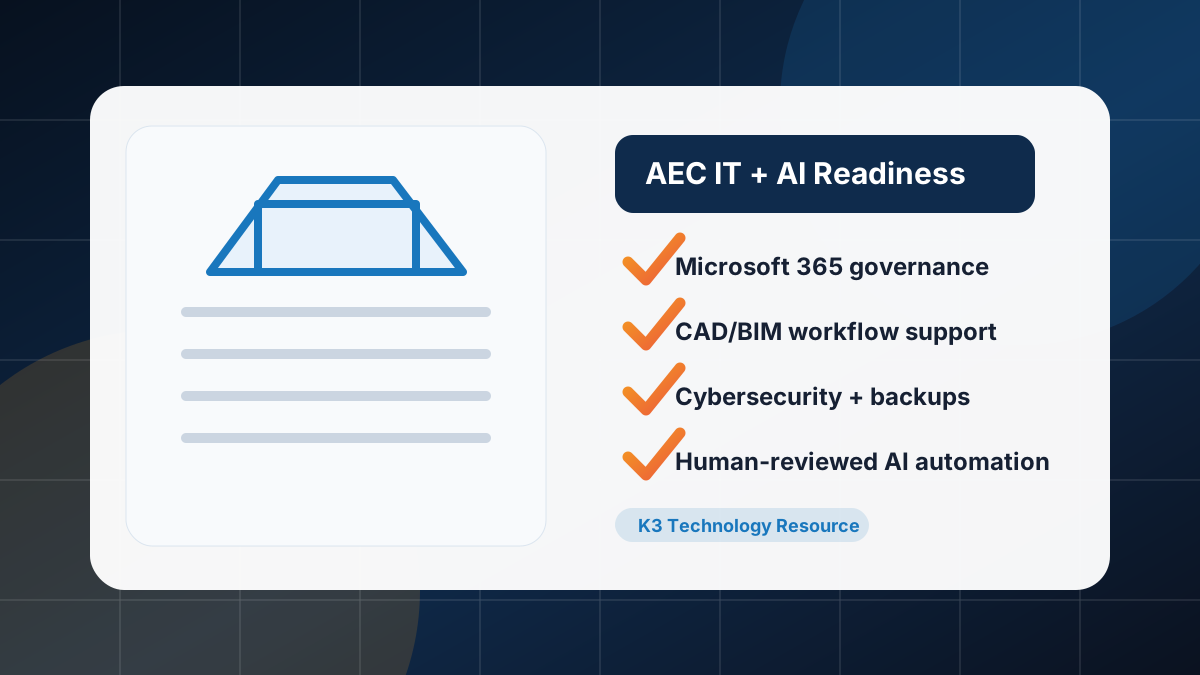
Short answer: AEC firms should review Microsoft 365 permissions, CAD/BIM file workflows, jobsite and field access, endpoint security, backups, vendor ownership, cyber insurance requirements, and human-reviewed AI use cases before rolling out AI automation. AI works best after the IT foundation is organized.
Architecture, engineering, and construction teams depend on project data moving safely between offices, jobsites, consultants, owners, subcontractors, and field teams. If the file structure, permissions, backups, and support model are messy, AI can make that mess faster. This checklist helps leadership decide what to clean up before investing in Microsoft Copilot, private AI assistants, or workflow automation.
1. Microsoft 365 and project-data readiness
- SharePoint structure: Confirm project sites, document libraries, naming conventions, ownership, and archive rules are understandable.
- Teams and channels: Review Teams sprawl, guest access, stale teams, external sharing, and who owns each workspace.
- OneDrive usage: Identify business-critical project files that are trapped in personal OneDrive folders instead of governed project libraries.
- Permissions: Review owners, members, guests, inherited permissions, privileged accounts, and overshared folders before AI can surface sensitive information faster.
- Retention and closeout: Decide how completed projects, as-builts, contracts, submittals, RFIs, photos, and closeout packages are retained.
2. CAD, BIM, and large-file workflow review
AEC IT planning should account for the systems around Revit, AutoCAD, Civil 3D, Bluebeam, Procore, Autodesk Construction Cloud, Egnyte, Newforma, and other project platforms. K3 supports the IT, access, backup, Microsoft 365, network, and security layer around these tools; software-specific design decisions should stay with your project and application specialists.
- Document where active models, drawings, markups, photos, and render files live.
- Review workstation performance, storage, synchronization, VPN or secure access, and backup expectations.
- Clarify who owns vendor escalation when problems cross software, network, endpoint, and cloud systems.
- Separate active collaboration spaces from archives so AI/search tools do not pull stale information into current work.
3. Jobsite and field-access readiness
Field teams need fast access, but unmanaged access creates risk. Review mobile devices, Wi-Fi, LTE/5G workflows, shared tablets, subcontractor access, photo uploads, daily reports, punch lists, and change-order communication.
| Field workflow | Readiness question |
|---|---|
| Daily reports and photos | Where are files stored, who can see them, and how are they backed up? |
| Drawings and markups | Are field teams using the approved current set or saving local copies? |
| Subcontractor access | Are external users reviewed, expired, and limited to the right project data? |
| Mobile devices | Are devices encrypted, managed, patched, and removable if lost? |
4. Cybersecurity and continuity checklist
- MFA and conditional access for Microsoft 365, VPN, project platforms, and admin accounts
- Endpoint protection and patching for office workstations, laptops, and field devices
- Email security and phishing training for invoice, wire, bid, and subcontractor fraud risks
- Backup review for Microsoft 365, servers, file shares, project data, and cloud platforms where applicable
- Incident-response planning for ransomware, compromised accounts, lost devices, and vendor outages
- Cyber insurance and client-security questionnaire readiness
- CMMC or other contract-driven control planning when applicable; final compliance determinations should stay with auditors, legal counsel, or governing bodies
5. AI workflow candidates for AEC firms
Start with narrow, human-reviewed use cases that use approved data and reduce administrative drag.
- Project knowledge assistant: Search approved standards, templates, project folders, and internal procedures.
- RFI and submittal summaries: Draft summaries and routing notes for project-manager review.
- Meeting and field-note summaries: Turn notes, transcripts, or observations into action-item drafts.
- Proposal and closeout support: Prepare first drafts from approved templates and source material.
- Intake and ticket routing: Route internal IT, access, equipment, or project-support requests to the right owner.
6. What not to automate first
Do not start with workflows that have unclear ownership, sensitive client data without policy, poor data quality, unresolved permission problems, contractual restrictions, or high-impact decisions without human approval. AI should prepare drafts, summaries, and routing help; people should still approve project decisions, client communication, financial commitments, safety decisions, and compliance judgments.
7. How to use this checklist
- Pick one active project or department as the review sample.
- Map where project data lives and who can access it.
- Review Microsoft 365, endpoint, backup, and vendor ownership gaps.
- Choose one or two low-risk AI workflow candidates with clear human review.
- Define the support model before rollout: owner, escalation path, training, measurement, and review cadence.
How K3 helps AEC firms
K3 Technology supports AEC IT services, managed IT services in Denver, managed IT services in Dallas, cloud and Microsoft 365 management, cybersecurity, and managed AI agents. The goal is a practical roadmap: stabilize the IT foundation, protect project data, then automate the workflows that are ready.
Follow K3 in Google
Make K3 Technology a preferred source
If our IT, cybersecurity, cloud, and AI resources are useful, add K3 as a Google preferred source so our guidance is easier to find in Search, AI Overviews, and AI Mode.

Director of DevOps & AI
Ryan McCormick is K3 Technology's Director of DevOps & AI, specializing in automation, AI enablement, secure infrastructure, and modern cloud operations.
Related Services from K3 Technology
Need IT Help for Your Business?
K3 Technology provides comprehensive IT services for Denver and Dallas businesses. Let us help you implement the solutions discussed in this article.
Related Articles