
Short answer: When an internal IT person leaves, leadership should secure admin access, preserve documentation, review Microsoft 365 and vendor accounts, confirm backups, check cybersecurity controls, and define who owns user support before gaps turn into outages or security exposure.
An IT departure can create risk quickly because one person may hold the history behind admin accounts, vendor relationships, firewall rules, Microsoft 365 settings, backups, device management, and user-support workflows. This checklist gives leadership a practical handoff plan before the next urgent ticket exposes a gap.
First 24 hours: stabilize access and ownership
Start with access control and business continuity basics. The goal is not to change everything at once; it is to make sure the business can operate while leadership decides whether to hire, use co-managed IT support, or move to a fully managed IT model.
- Review the departing user's accounts: Confirm offboarding steps for Microsoft 365, VPN, endpoint tools, remote access, password vaults, and business applications.
- Confirm privileged access: Identify global admins, firewall admins, DNS/domain registrar admins, backup admins, endpoint/security admins, and application owners.
- Preserve documentation: Export or collect network notes, vendor contacts, renewal dates, support procedures, diagrams, and device inventories before knowledge disappears.
- Name a temporary owner: Assign who approves changes, communicates with vendors, handles user escalation, and triages urgent security or backup questions.
Documentation to collect before it disappears
Many businesses discover during an IT transition that the real environment is documented in email threads, memory, browser bookmarks, or one person's notes. Build a minimum handoff packet before making broad changes.
| Area | What to collect |
|---|---|
| Admin access | Microsoft 365, firewall, DNS, backup, endpoint, security, telecom, internet, and core application admin portals. |
| Vendors | Account reps, support numbers, contract owners, renewal dates, and escalation processes. |
| Infrastructure | Network diagrams, IP ranges, Wi-Fi details, device inventory, server/cloud workloads, and remote-access paths. |
| Support process | Ticket intake, common issues, priority rules, after-hours expectations, and recurring problem areas. |
| Backup and recovery | Backup systems, protected data, retention settings, recent job status, and restore-test history. |
Microsoft 365 and identity review
Microsoft 365 is often the highest-impact review area after an IT staff change because it controls email, Teams, SharePoint, OneDrive, identity, admin roles, and external sharing. If the tenant is not reviewed, old access paths and unclear ownership can remain hidden.
- Confirm global administrator and billing administrator ownership.
- Review MFA, conditional access, break-glass account handling, and privileged role assignments.
- Check shared mailboxes, distribution groups, Teams owners, SharePoint site owners, and external guest access.
- Review OneDrive handoff for business-critical files owned by the departing employee.
- Document who will handle license changes, user onboarding/offboarding, and security alerts.
Cybersecurity and backup checks
An IT departure is also a good time to review whether security and recovery tasks had a real owner or were handled informally. Keep the review practical and evidence-based.
- Confirm endpoint protection, patch management, and device-management ownership.
- Review backup job status and whether recent restores have been tested.
- Check email security, phishing-reporting paths, and user-training ownership.
- Review firewall/VPN access, vendor remote access, and stale accounts.
- Document cyber insurance, SOC 2, HIPAA, CMMC, or client-security requirements that rely on IT evidence.
Support coverage options
The right next step depends on how much internal ownership remains. A company with an IT director may only need overflow help or specialized escalation. A company with no remaining IT owner may need broader managed IT services in Denver, managed IT services in Dallas, or distributed support under a defined scope.
- Temporary coverage: Useful when leadership already plans to hire but needs short-term triage and documentation support.
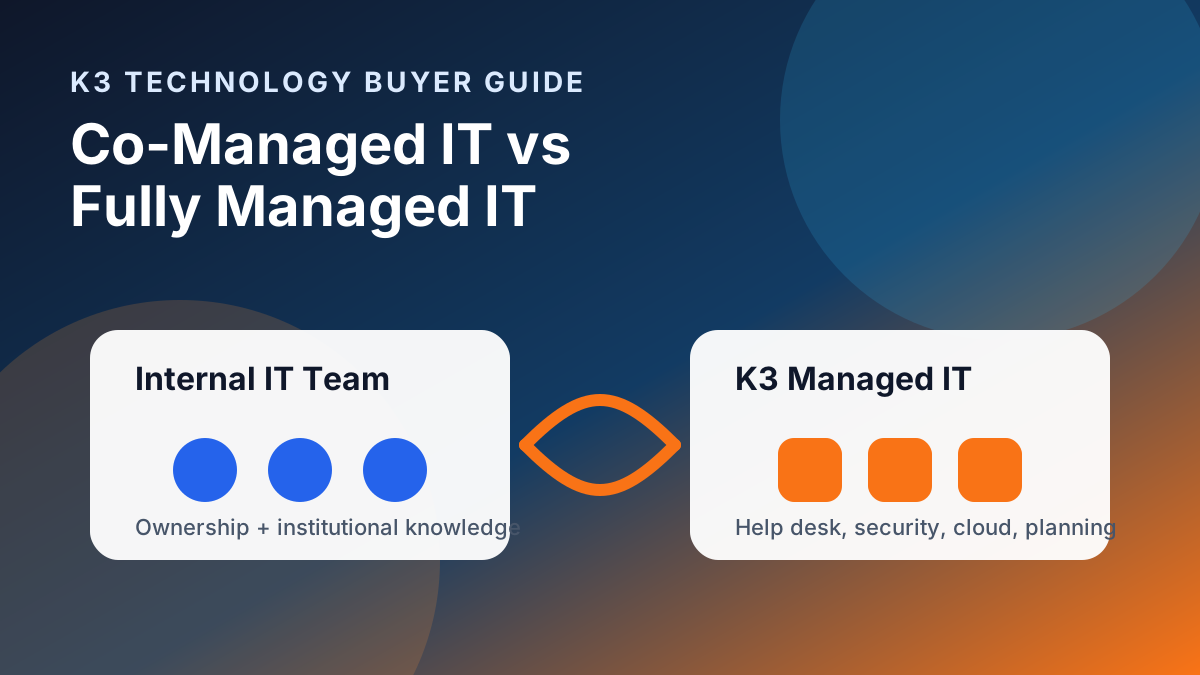
- Co-managed IT: Useful when an internal leader remains but needs help desk, Microsoft 365, cybersecurity, documentation, or project support.
- Fully managed IT: Useful when the company wants an outside provider to own day-to-day support, monitoring, vendor coordination, and recurring planning.
- Project cleanup: Useful when the urgent need is documentation, access review, Microsoft 365 cleanup, backup validation, or security baseline work.
30-day transition plan
- Week 1: Stabilize access, offboarding, privileged accounts, and urgent support routing.
- Week 2: Build the documentation packet, vendor list, device inventory, and Microsoft 365 ownership map.
- Week 3: Review cybersecurity, backup, patching, email security, and endpoint-management responsibilities.
- Week 4: Decide whether the long-term model is hiring, co-managed IT, fully managed IT, or project-based cleanup.
Internal IT departure FAQ
What should a company do first when an IT person leaves?
First, secure access and ownership. Review the departing user's accounts, confirm admin access for critical systems, preserve documentation, check backup ownership, and define who handles support escalation while the transition is underway.
Should we hire a replacement or use outsourced IT support?
It depends on who will own IT decisions long term. Hiring may fit when leadership wants internal strategy and day-to-day ownership. Outsourced or co-managed IT can fit when the business needs help desk coverage, Microsoft 365 administration, cybersecurity coordination, documentation, or project support under a defined scope.
What systems should be reviewed after an IT staff departure?
Review Microsoft 365, identity and MFA, firewall and VPN access, DNS and domain registrar accounts, backups, endpoint/security tools, documentation, vendor portals, telecom, and business-critical applications.
Can K3 help temporarily while we replace an IT employee?
K3 can help assess coverage gaps, review access and documentation, and support a transition plan under a defined scope. The first step is identifying the critical systems, open risks, and support responsibilities that need ownership.
How K3 helps during an IT transition
K3 Technology supports businesses through co-managed IT, managed IT services in Denver, managed IT services in Dallas, Microsoft 365 management, cybersecurity services, and practical IT planning. If an internal IT departure exposed gaps, start with a scoped review so the next step is based on access, documentation, risk, and support ownership instead of guesswork.
Contact K3 Technology to discuss an IT transition review.
Follow K3 in Google
Make K3 Technology a preferred source
If our IT, cybersecurity, cloud, and AI resources are useful, add K3 as a Google preferred source so our guidance is easier to find in Search, AI Overviews, and AI Mode.

Senior Solutions Engineering Manager
Mike Garcia is K3 Technology's Senior Solutions Engineering Manager, helping businesses design practical managed IT, Microsoft 365, cloud, and infrastructure solutions.
Related Services from K3 Technology
Need IT Help for Your Business?
K3 Technology provides comprehensive IT services for Denver and Dallas businesses. Let us help you implement the solutions discussed in this article.
Related Articles