Short answer: To choose a managed IT provider, compare who owns support outcomes, how tickets are triaged, what cybersecurity controls are included, how Microsoft 365 is managed, how backups are reviewed, what is excluded, and how the provider reports progress to leadership.
A managed IT agreement should make technology easier to operate, not harder to understand. The strongest MSP fit is usually not the vendor with the flashiest sales deck or the lowest monthly number. It is the provider with a clear operating model for users, devices, cloud, cybersecurity, vendors, documentation, and roadmap decisions.
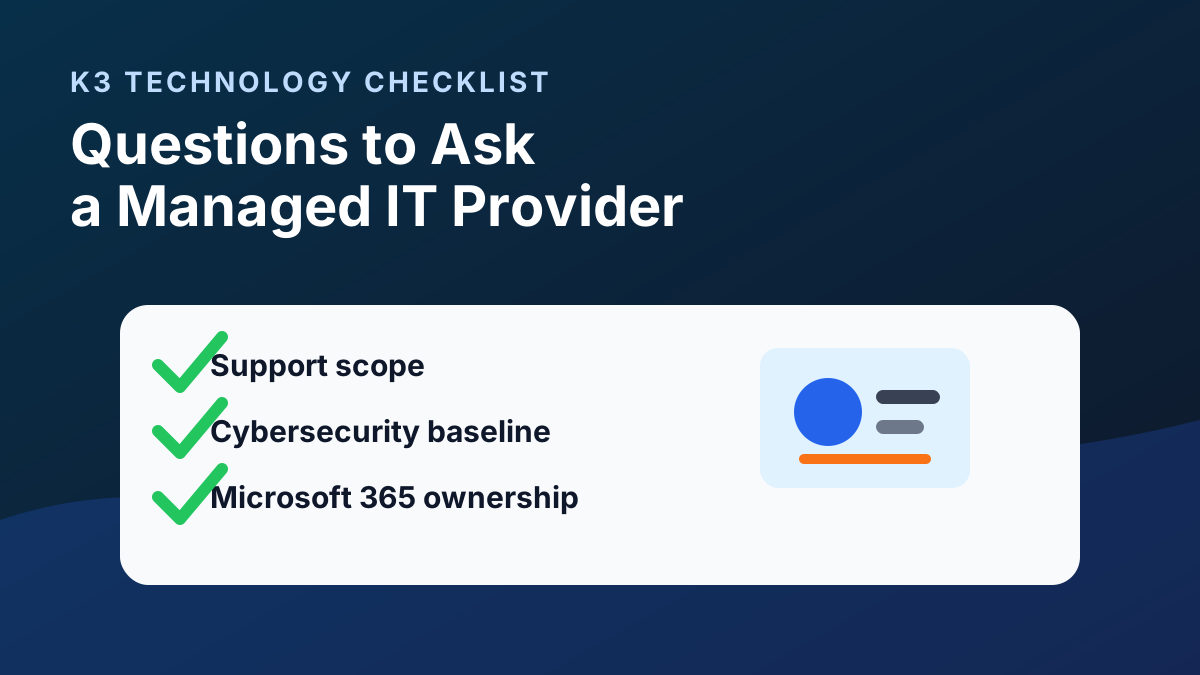
Managed IT provider selection checklist
- Support ownership: Who owns tickets from intake through resolution, and how are users updated?
- Escalation process: How are urgent issues triaged, escalated, and communicated to leadership?
- Cybersecurity baseline: Are MFA, endpoint protection, email security, patching, backup review, admin access, and incident-response planning included?
- Microsoft 365 depth: Can the provider manage Entra ID, SharePoint, Teams, OneDrive, Exchange, licensing, email security, and Copilot readiness?
- Backup and recovery: What systems are reviewed, what recovery expectations are documented, and who owns remediation?
- Documentation: How are users, devices, vendors, network details, admin access, and support procedures documented?
- Reporting cadence: What will leadership see monthly or quarterly about tickets, risk, recurring issues, backups, and roadmap priorities?
- Scope and exclusions: What is included, what requires a project, and what happens when a request crosses vendors or systems?
1. What support is actually included?
Ask for a plain-language scope. It should separate help desk, endpoint support, network support, server support, Microsoft 365 administration, vendor coordination, cybersecurity, backup review, and project work.
Good answer: the provider explains what is included, what is out of scope, what requires a project, and how exceptions are handled.
Red flag: everything is described as "unlimited" but exclusions are buried in the agreement.
2. How are tickets triaged and escalated?
You need to know how the provider separates password resets from business-impacting issues. Ask how severity is assigned, how users are updated, when tickets escalate, and how recurring issues are reviewed.
3. What cybersecurity controls are part of the support model?
Managed IT and cybersecurity are now connected. Ask about MFA, endpoint protection, email security, patching, backup review, admin access, conditional access, security awareness, and incident-response planning.
If your company has compliance obligations, ask how the provider supports documentation and controls without promising compliance outcomes that depend on your business, contracts, systems, and auditors.
4. How do you manage Microsoft 365?
For many SMBs, Microsoft 365 is the operating system of the business. Ask how the provider handles Entra ID, MFA, conditional access, SharePoint permissions, Teams, OneDrive, email security, license review, and Copilot readiness.
5. How do backups and recovery planning work?
Ask what systems are backed up, how backup status is reviewed, how recovery is tested or documented, and what recovery expectations are realistic for your environment.
6. What happens during onboarding?
A structured onboarding process should cover access transfer, documentation, asset discovery, Microsoft 365 review, endpoint tooling, backup review, vendor list, support process, and priority risk findings.
7. What will leadership see each month or quarter?
Managed IT should create visibility. Ask what reporting is provided on tickets, recurring issues, security posture, Microsoft 365 changes, backup status, roadmap items, and upcoming decisions.
8. What should we compare besides price?
| Compare | Why it matters |
|---|---|
| Support scope | Low monthly pricing can hide project fees or exclusions. |
| Cybersecurity baseline | Support without identity, endpoint, and backup discipline leaves risk unmanaged. |
| Microsoft 365 depth | Most user, file, email, and security issues touch Microsoft 365. |
| Documentation | Undocumented environments create slow troubleshooting and risky transitions. |
| Leadership cadence | Roadmap reviews turn IT from ticket handling into business planning. |
Dallas and Denver MSP evaluation notes
For Denver and Dallas businesses, local provider fit often matters when support issues cross office connectivity, network hardware, workstations, conference rooms, vendors, and on-site coordination. Remote support resolves many issues, but local operating knowledge can help when incidents involve both technology and location-specific logistics.
Use the same selection criteria when comparing managed IT services in Denver, managed IT services in Dallas, IT support in Denver, and IT support in Dallas. The goal is not to label any provider “best” without context; the goal is to choose the best-fit operating model for your users, risk, cloud systems, budget, and leadership expectations.
How K3 helps buyers evaluate fit
K3 Technology helps Denver and Dallas businesses compare managed IT, co-managed IT, cybersecurity, cloud, Microsoft 365, and AI readiness needs before defining scope. Start with managed IT services, managed IT services in Denver, managed IT services in Dallas, co-managed IT vs managed IT, or schedule an IT support review.
Follow K3 in Google
Make K3 Technology a preferred source
If our IT, cybersecurity, cloud, and AI resources are useful, add K3 as a Google preferred source so our guidance is easier to find in Search, AI Overviews, and AI Mode.

Senior Solutions Engineering Manager
Mike Garcia is K3 Technology's Senior Solutions Engineering Manager, helping businesses design practical managed IT, Microsoft 365, cloud, and infrastructure solutions.
Related Services from K3 Technology
Need IT Help for Your Business?
K3 Technology provides comprehensive IT services for Denver and Dallas businesses. Let us help you implement the solutions discussed in this article.
Related Articles